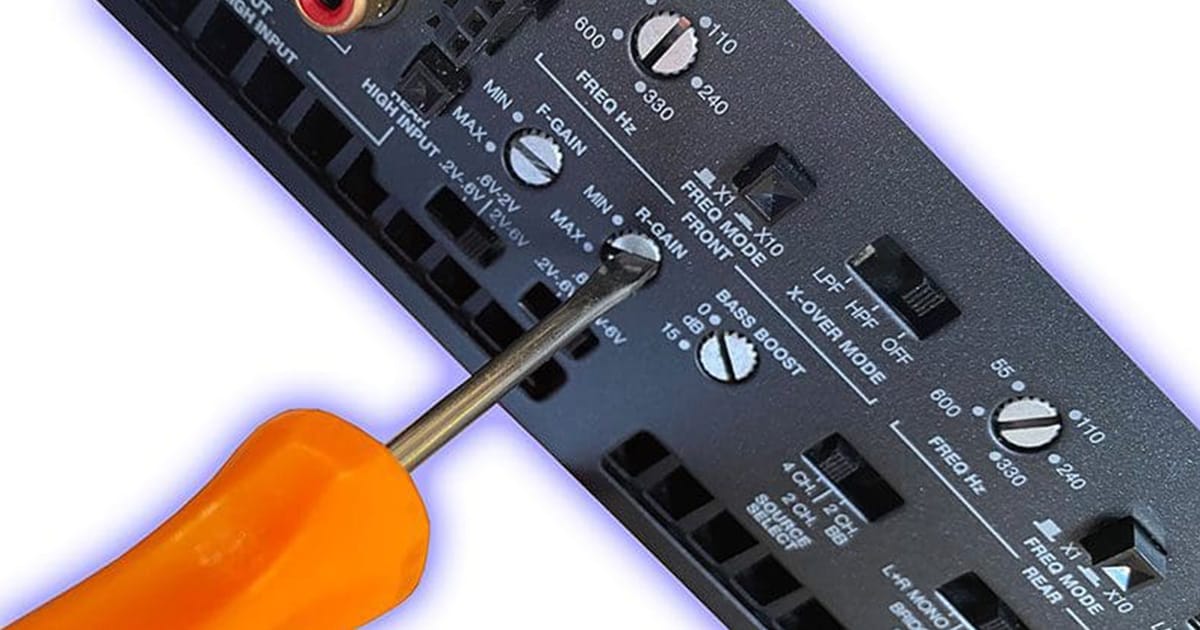
The gain control on a car audio amplifier is not a volume knob and should never be used as one. The gain is a calibration tool that matches the output of your head unit or processor to the amplifier’s input stage. Using it incorrectly can distort your music, damage your speakers, and limit system performance.
Let’s take a closer look at what the gain actually does, why it is not a substitute for volume, and why professional calibration matters for every car audio system.
What the Gain Control Really Does
The gain control is often misunderstood because it seems like a “loudness” adjustment. In reality, it sets the sensitivity of the amplifier so that the amp produces full power at the same time your source unit produces its maximum clean signal.
For example, if your radio or digital signal processor has a 2-volt preamp output, the gain needs to be adjusted so that 2 volts in equals maximum clean power out. If your source has a 5-volt output, the gain is set differently. The goal is always the same: a perfect match between source and amplifier.
This calibration ensures the amplifier can reproduce the full dynamic range of your music without distortion, regardless of the output capability of your head unit.
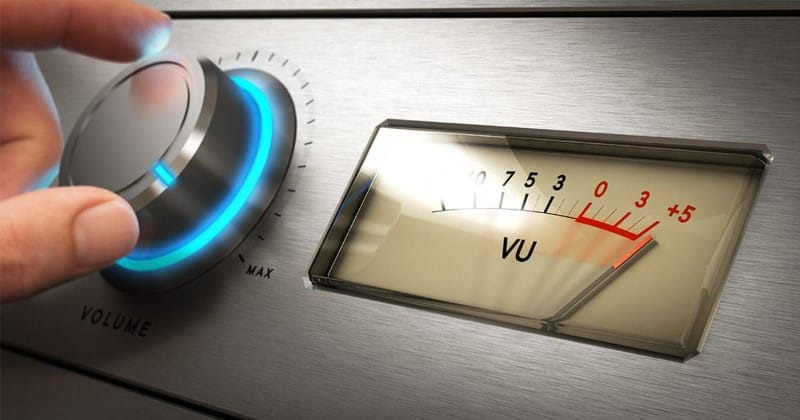
Why Gain Is Not a Volume Control
Turning the gain knob does not change the maximum power the amplifier can produce. It only changes how much input signal is required before the amplifier reaches that maximum.
Here’s the key difference:
- Volume control adjusts how much signal is being sent to the amplifier in real time.
- Gain control sets the threshold at which the amplifier reaches full power.
If the gain is set too high, the amplifier reaches its limit too quickly, producing distortion and clipping. If it’s set too low, you may have to turn the head unit’s volume unusually high to achieve reasonable loudness, and the system may never reach its potential.
How the Volume Control Works Differently
The volume control on your radio or processor directly adjusts the strength of the audio signal being fed into the amplifier. This is the correct way to manage how loud or soft your music sounds.
Unlike gain, the volume control is designed for user interaction. Every time you raise or lower the volume, you are scaling the entire signal going into the amplifier. This is why you can fine-tune listening levels throughout the day without affecting the amplifier’s calibration.
In short: Volume is for listening. Gain is for setup.
What Happens When You Misuse the Gain Control
When people treat the gain as a volume knob, problems show up quickly:
- Distortion – The amplifier tries to amplify beyond its clean power limits, adding harshness and grit to the sound.
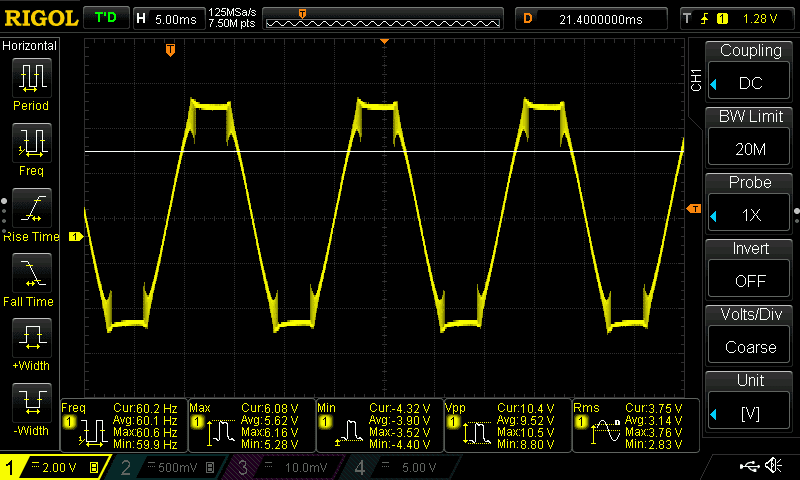
- Clipping – Waveforms are cut off at the peaks, creating square-like signals that sound rough and unnatural.
- Speaker damage – Tweeters can burn out and subwoofers can overheat when fed with clipped signals.
- Misdiagnosis – Many people blame poor sound quality on “bad” speakers or amps, when the real issue is incorrect gain.
These issues don’t just affect loud playback. Even at moderate listening levels, improper gain settings can degrade sound quality and shorten the life of your system.
The Right Way to Set Gain
The gain control should only be adjusted during system setup. Professional installers typically use test tones, oscilloscopes, or distortion detection devices to verify when the amplifier reaches full, clean output.
Here’s the concept:
- Play a test signal from the source unit at its maximum clean volume.
- Increase the amplifier gain until it reaches full output just before distortion.
- Lock the setting in place.
Once set properly, the gain never needs to be adjusted again. Every listening session is controlled entirely by the volume knob on your source unit.
Why Professional Calibration Matters
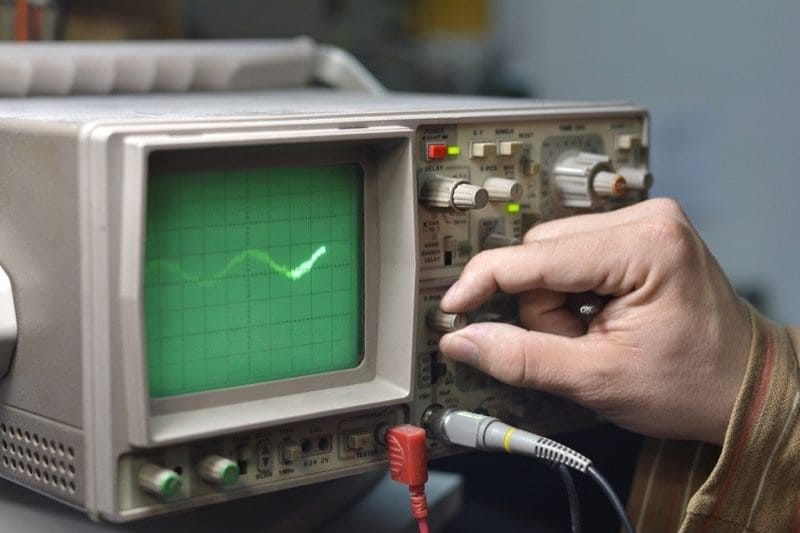
Professional installers have the tools and expertise to set gains with precision. They may use a digital oscilloscope, a distortion detector, or rely on the built-in setup features of a digital signal processor (DSP).
This calibration process ensures:
- Maximum clean power from the amplifier.
- Balanced performance across all speakers and subwoofers.
- Protection from distortion-related damage.
- A system that sounds clear and dynamic at any volume level.
Trying to “set it by ear” is risky because distortion often isn’t obvious until it’s already harming your equipment. That’s why leaving gain calibration to a qualified retailer or installer is always the best choice.
Conclusion
The gain control on your car audio amplifier is a setup tool, not a listening control. Its job is to match your head unit or processor to your amplifier, ensuring you get full, clean sound. Using it as a volume knob leads to distortion, poor performance, and potential damage to your speakers.
If you want the best performance from your audio system, have your gains calibrated by a professional. Drop by a local reputable mobile enhancement retailer near you to explore upgrade options for your car or truck. You can find great shops using our Dealer Locator.
This article is written and produced by the team at www.BestCarAudio.com. Reproduction or use of any kind is prohibited without the express written permission of 1sixty8 media.
